
One-tap log of what you did
When did you last…?
Feed the dog. Water the plants. Have a coffee.
Tap an activity to record the time. Look back whenever you need.
No account, no reminders, no streaks.

Logmori for iPhone. Free to download. Requires iOS 18 or later.
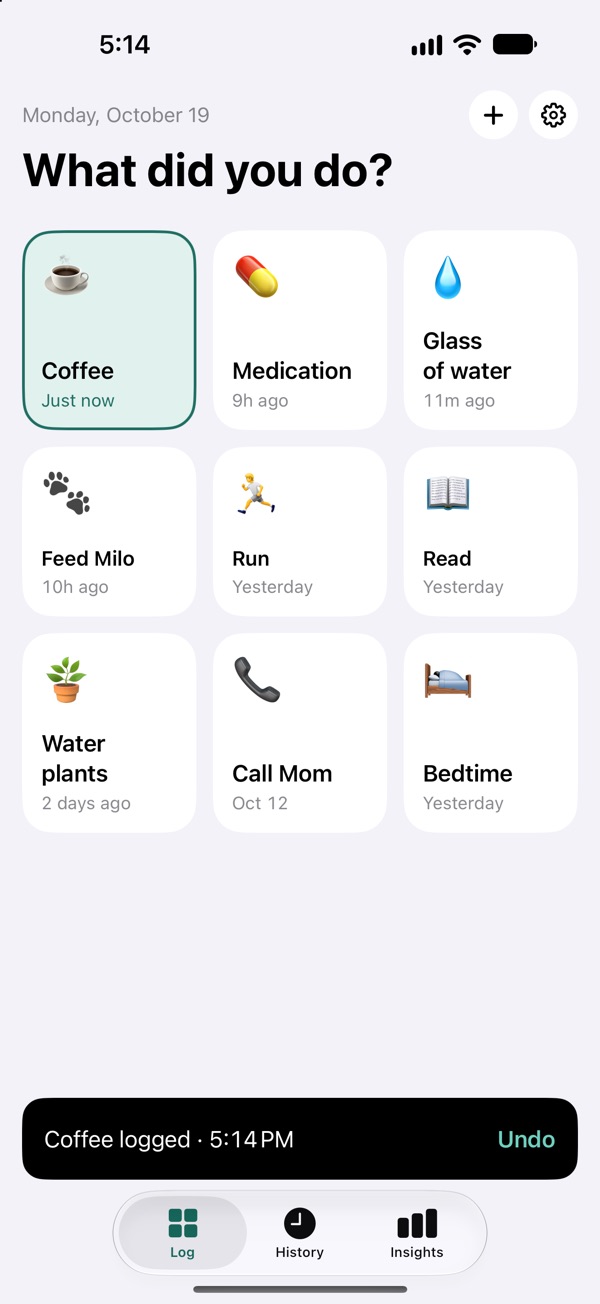
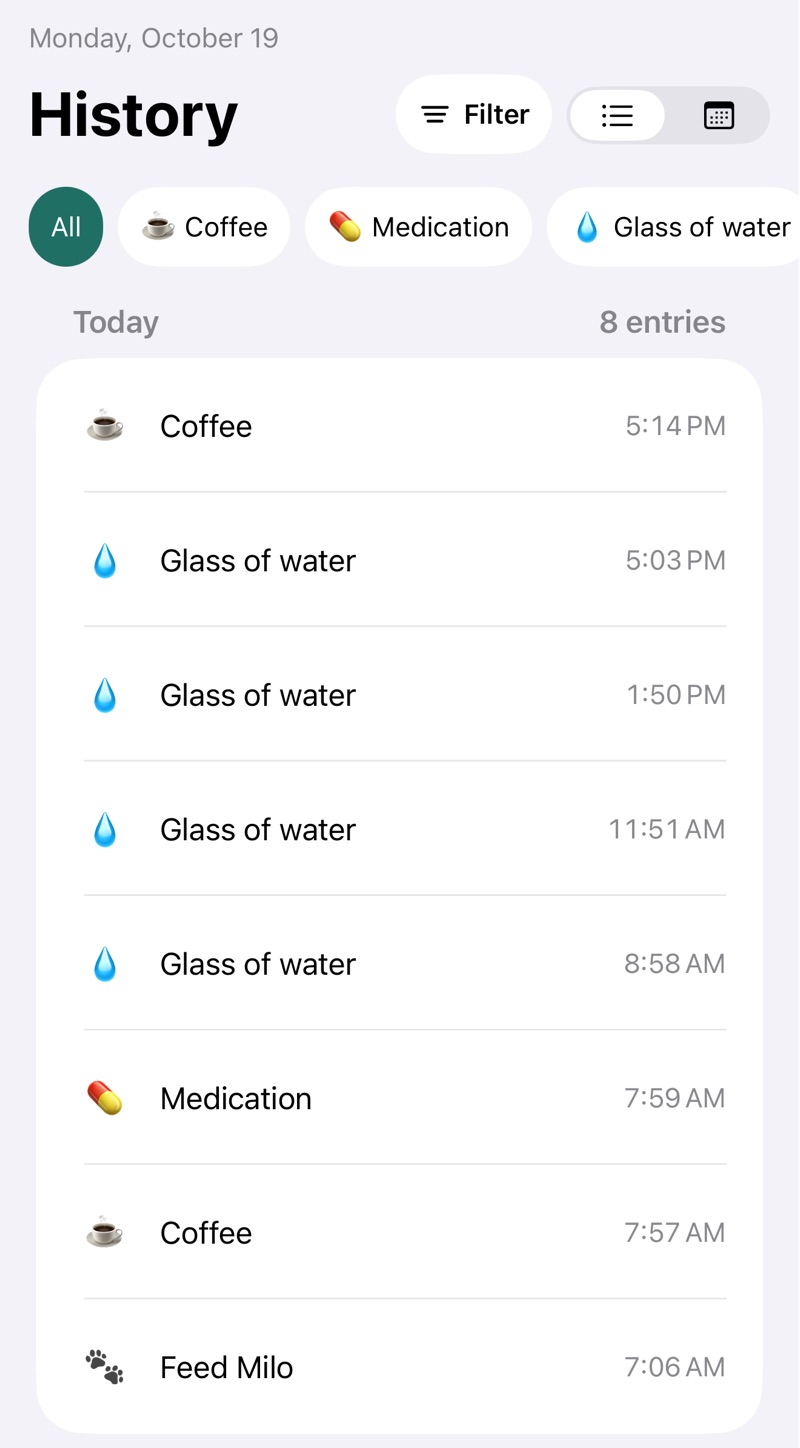
See exactly when you did it
Every entry, as a list or a calendar. See counts for the last 7, 30 or 90 days, or all time.
Forgot to log something? Add it later with the right time. You can edit or delete any entry.
Log without opening the app
Home Screen Free
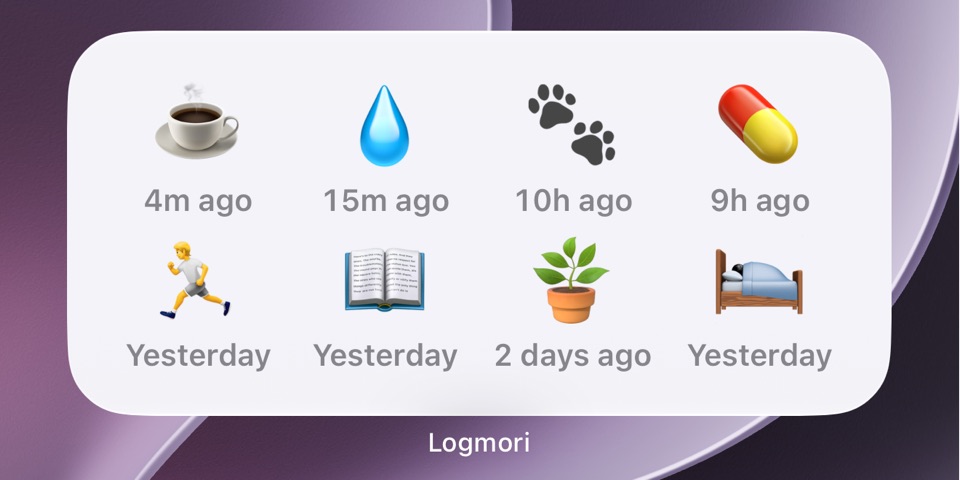
Quick Log in two sizes: small (4 activities) and medium (8).
With Pro: a large Quick Log (16 activities), Last logged and Count today.
Lock Screen Pro
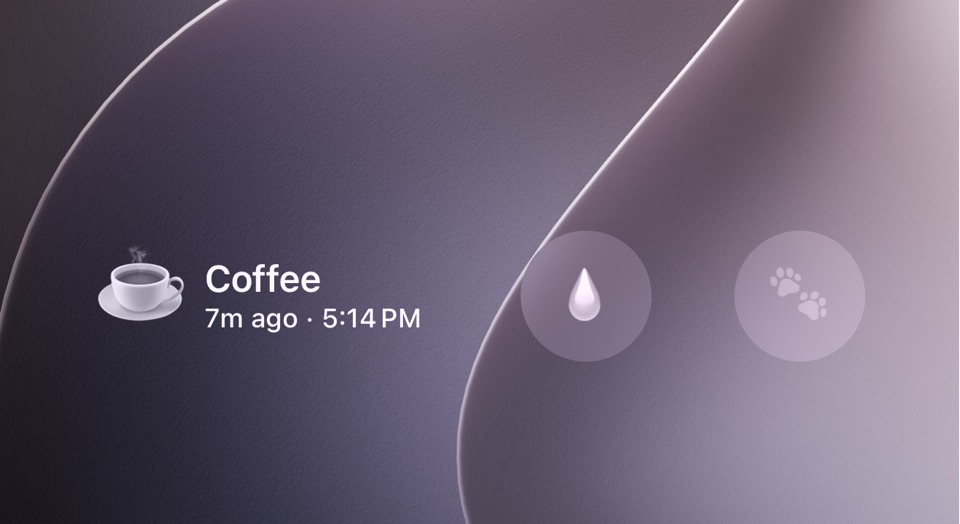
Log in one tap when Face ID recognizes you. Otherwise, iOS asks you to unlock first.
Requires Logmori Pro.
Control Center, Action Button and Siri Pro
Log from Control Center, with the Action Button, or by asking Siri. If your iPhone is locked, it asks for Face ID or your passcode first.
Requires Logmori Pro.
Private by design
- No account. Your log is stored on your iPhone and isn't sent to us.
- Logging never needs an internet connection.
- App Lock with Face ID, Touch ID or your passcode protects the screens inside the app. Widgets show what you put on them.
- Export your full history as CSV, free, any time.
Your log can also leave your iPhone in ways you control, such as device backups and files you export. Read the Privacy Policy
Free and Logmori Pro
Free
Free to download and use.
- Log as often as you like, with up to 10 active activities.
- Your full history, as a list or a calendar, with counts over time.
- Quick Log widgets on the Home Screen: small and medium.
- App Lock, CSV export and restore from a backup file.
Your history is always fully visible in the free version.
Logmori Pro
One-time purchase. No subscription.
Everything in Free, plus:
- Unlimited activities.
- Log without opening the app: from Control Center, with the Action Button, or by asking Siri.
- Log from your Lock Screen in one tap when Face ID recognizes you.
- More Home Screen widgets: Last logged, Count today and a large Quick Log.
- See your patterns: average gap between entries and time-of-day patterns.
- Filter your history by date range and by several activities at once, and export just what you filtered.
- Export your history as JSON, alongside the free CSV export.
Family Sharing included. Every future Pro feature is included. No extra charge.
A closer look at Pro patterns
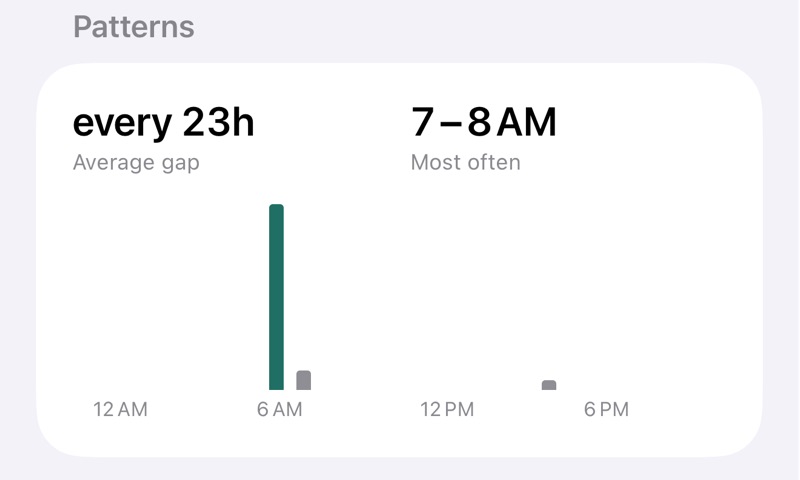
For each activity, see how long you usually go between entries, and the time of day you log it most.
Questions
Is Logmori a habit tracker?
No. Logmori records what you did and when. It doesn't remind you, set goals or count streaks.
Does it need an internet connection?
Logging never needs an internet connection. Buying or restoring Pro does, because it goes through the App Store.
Where is my data?
Your log is stored on your iPhone and isn't sent to us. It can be included in your iPhone's backups, depending on your backup settings, and in any file you export. The Privacy Policy explains each of these.
What happens to my log if Pro is refunded or I leave Family Sharing?
Nothing is deleted. Your full history stays, and every activity you already have can still be logged. If you have 10 or more active activities, you'll need to get below 10 before adding or unarchiving more. Pro widgets show "Pro" and stop logging.
Can I move my log to a new iPhone?
Yes. Export your log as a CSV file on the old iPhone and import it on the new one; both are free. Logmori imports only CSV files exported from Logmori. Restore purchase brings back Pro, not your log. Step-by-step instructions are on the Support page.
What do I need?
An iPhone with iOS 18 or later.
Logmori for iPhone
Free to download. Requires iOS 18 or later.